
In the ever-evolving landscape of digital entertainment, IPTV (Internet Protocol Television) has emerged as a dominant force, offering unprecedented flexibility and access to a global array of content. Moving beyond the rigid schedules of traditional cable and satellite, IPTV empowers users to stream live television, movies, and series on demand, directly through their internet connection. While the IPTV service provides the content, a robust and user-friendly IPTV player is crucial for a seamless viewing experience. Among the many players vying for attention, Duplex IPTV (often referred to as Duplex Play) has carved out a significant niche, particularly for Smart TV users, due to its intuitive design, comprehensive feature set, and reliable performance.
This exhaustive guide will explore every facet of Duplex IPTV, providing a deep dive into its functionalities, step-by-step setup instructions, advanced optimization techniques, and troubleshooting common issues. We’ll also compare it with other popular IPTV players to help you understand where it stands in the crowded market. By the end of this post, you’ll be equipped with all the knowledge needed to maximize your Duplex IPTV experience and truly unlock a world of entertainment. For a top-tier IPTV service that integrates perfectly with Duplex IPTV, consider exploring the offerings at Mom IPTV.
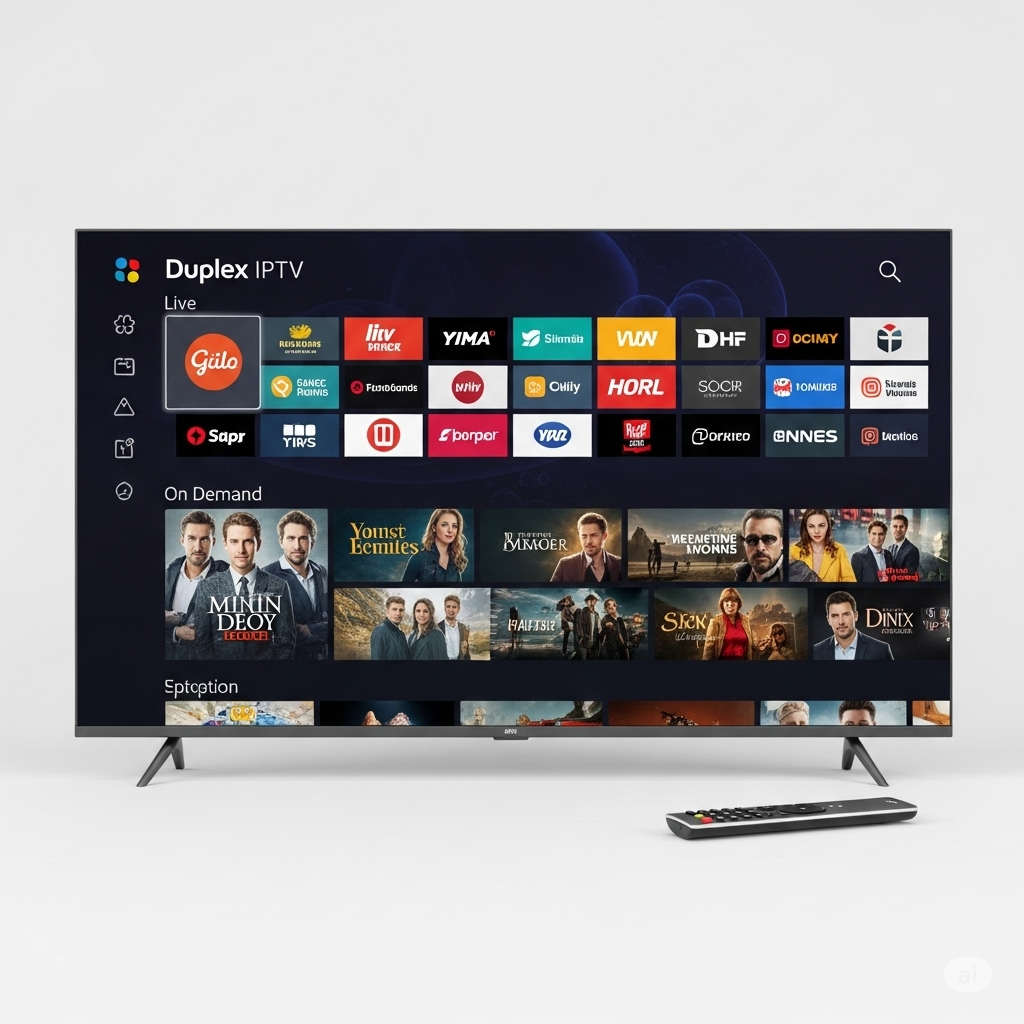
The Rise of IPTV and the Role of Duplex IPTV
The shift from traditional broadcast to internet-based content delivery is not merely a technological upgrade; it’s a paradigm shift in how we consume media. IPTV leverages the internet to deliver television programming and other video content, offering a level of interactivity and personalization that traditional methods cannot match. Imagine accessing thousands of channels from across the globe, watching your favorite movies anytime, or catching up on missed series – all at your fingertips.
However, the raw IPTV stream, typically in an M3U playlist format or via an Xtream Codes API, requires a dedicated application to parse, organize, and display the content in a user-friendly manner. This is precisely the role of an IPTV player. Unlike streaming giants like Netflix or Amazon Prime Video, which are content providers with their own built-in players, IPTV players are agnostic. They don’t provide content; they merely facilitate its playback from your chosen IPTV service provider.
Duplex IPTV distinguishes itself as one of the most popular and versatile IPTV players, especially favored by users of Smart TVs (Samsung, LG, Android TVs) due to its presence in various app stores and its user-friendly interface designed for large screens. It acts as a sophisticated bridge between your IPTV subscription and your viewing device, transforming raw data into an organized, navigable, and high-quality entertainment experience.
While commonly known as “Duplex IPTV,” the official app title in many app stores is “Duplex Play.” This guide will use “Duplex IPTV” interchangeably with “Duplex Play” to refer to the same powerful application.
Delving Deeper: Key Features of Duplex IPTV
Duplex IPTV isn’t just a basic player; it’s packed with features designed to enhance your IPTV viewing. Its popularity stems from a combination of robust performance, extensive compatibility, and a highly intuitive user interface.
Core Functionalities and Interface Design:
- Intuitive User Interface (UI): Duplex IPTV boasts a clean, modern, and highly navigable interface. Designed with Smart TVs and remote control navigation in mind, it makes Browse channels, VOD (Video-on-Demand), and series remarkably simple. The layout is logical, allowing even novice users to quickly find their way around.
- Multiple Theme Options: Users can personalize their viewing environment by choosing from various themes, offering a customizable aesthetic that enhances visual appeal.
- Multi-Language Support: Catering to a global audience, Duplex IPTV supports numerous languages, allowing users to switch the app’s language independently of their device’s system settings.
Extensive Playlist Management:
Duplex IPTV excels in its ability to handle diverse IPTV playlist formats, providing flexibility for various service providers.
- M3U Playlists (URL & Local File): This is the most common and widely supported format. Duplex IPTV allows you to easily import M3U playlists via a direct URL (remote) or by uploading a local M3U file saved on your device. This is the cornerstone of its playlist management.
- Xtream Codes API Support: For many modern IPTV providers, the Xtream Codes API offers a more integrated and dynamic experience. Duplex IPTV’s robust support for this API means that EPG (Electronic Program Guide) data, VOD categories, and series are often automatically populated and kept up-to-date, minimizing manual configuration. This is a significant advantage for a richer user experience.
- JSON & Database Playlists: Beyond M3U and Xtream Codes, Duplex IPTV’s compatibility extends to other less common playlist formats, further enhancing its versatility.
- Embedded Groups: If your M3U playlist includes embedded groups (channels categorized within the playlist itself), Duplex IPTV intelligently recognizes and organizes them, making channel navigation much more efficient.
- Favorites Management: Users can easily create and manage a list of favorite channels and VOD content for quick access, eliminating the need to scroll through extensive lists.
- Recently Played List: The app automatically saves recently played channels and content, allowing users to quickly resume playback from the last watched position, a convenient feature for movies or long programs.
Powerful Built-in Media Player:
The quality of an IPTV player largely depends on its ability to render streams smoothly and efficiently. Duplex IPTV’s integrated player is highly capable:
- Wide Format and Codec Support: It supports a vast array of video and audio formats (e.g., MP4, MKV, AVI, FLV, TS, MPEG, HLS, RTMP) and codecs, ensuring compatibility with most IPTV streams without requiring external players.
- High-Definition Streaming: Capable of playing content in various resolutions, including SD, HD, Full HD, and Ultra HD (4K), provided your IPTV service and device support it. This ensures a crisp and immersive viewing experience.
- Audio Track Selection: If a media stream contains multiple audio tracks (e.g., different languages), Duplex IPTV allows users to select their preferred audio track.
- Subtitle Support: While not always a primary feature for live TV, Duplex IPTV often supports embedded subtitles within VOD content, enhancing accessibility.
- Automatic Live Stream Reconnection: In case of minor network interruptions, the player attempts to automatically reconnect to the live stream, minimizing disruption.
Advanced Features for Enhanced Control:
- Parental Control: Duplex IPTV includes robust parental control features, allowing users to restrict access to specific channels or categories using a PIN. This is essential for families to manage content viewing for children.
- Quick Search Functionality: With thousands of channels and VOD titles, the quick search feature is invaluable, allowing users to rapidly find specific content.
- Time Shift (Catch-Up TV): If your IPTV provider supports it, Duplex IPTV can facilitate time-shifted viewing, allowing you to watch previously broadcasted programs. (Note: This is highly dependent on the IPTV service.)
- Recording Capabilities: While Duplex IPTV itself doesn’t offer a DVR solution that records to local storage within the app’s free features, some IPTV providers offer recording features on their server-side, which Duplex IPTV can display. For client-side recording, external solutions or premium player features might be necessary, and often require multiple simultaneous connections from your IPTV subscription.
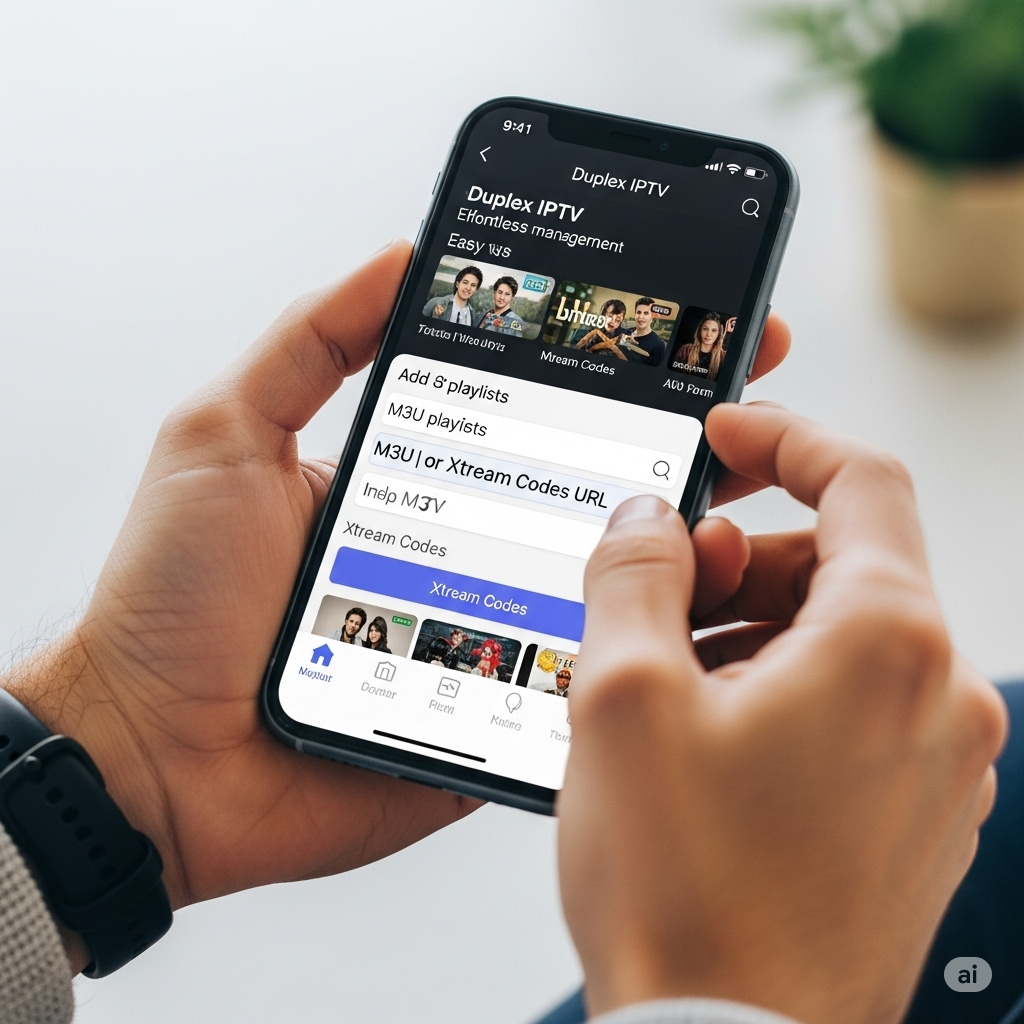
Getting Started: Setting Up Duplex IPTV on Your Device
One of Duplex IPTV’s strengths is its relatively straightforward setup process, though the exact steps can vary slightly depending on your device.
1. Downloading and Installing Duplex IPTV:
Duplex IPTV is primarily designed for Smart TVs and Android-based devices.
- For Samsung Smart TVs:
- Go to the Samsung Smart Hub.
- Navigate to the Apps section.
- Use the search function to look for “Duplex Play” (or “Duplex IPTV” if the name varies in your region).
- Select the app and choose “Install.”
- Once installed, open the app.
- For LG Smart TVs (WebOS):
- Access the LG Content Store.
- Use the search bar to find “Duplex Play.”
- Click “Install” and then open the app.
- For Android TV Devices (Sony, Philips, Nvidia Shield, Xiaomi Mi Box, Android TV Boxes):
- Open the Google Play Store on your Android TV device.
- Search for “Duplex Play.”
- Click “Install” and then open the app.
- For Amazon Fire TV Stick/Fire TV Devices:
- Duplex IPTV may not be directly available in the Amazon Appstore. You’ll likely need to sideload the APK.
- On your Fire TV, go to Settings > My Fire TV > Developer Options and enable “Apps from Unknown Sources” and “ADB Debugging.“
- Install a downloader app (like “Downloader”) from the Amazon Appstore.
- Use the Downloader app to enter a URL for the Duplex IPTV APK from a trusted source (e.g., APKMirror, Aptoide TV) and install it.
- For Android Mobile/Tablet Devices:
- Open the Google Play Store.
- Search for “Duplex Play.”
- Install and open the app.
- For iOS Devices (iPhone/iPad):
- Open the App Store.
- Search for “Duplex Play.”
- Install and open the app.
Important Note on Activation: Duplex IPTV typically offers a 7-day free trial. After this period, you will need to activate the app by paying a small, one-time fee. This fee is for the app itself, not your IPTV subscription. This activation is usually done via a web interface associated with your device’s MAC address and Device ID (explained below). The price is usually very affordable, making it a popular choice for those looking for a one-time purchase player.
2. Adding Your IPTV Playlist to Duplex IPTV:
Once Duplex IPTV is installed and opened, you’ll see a screen displaying your Device ID and Device Key/MAC Address. These are crucial for adding your playlist via the Duplex IPTV website.
- Access the Duplex IPTV Website: Open a web browser on your computer or smartphone and go to edit.duplexiptv.com (This is the official portal for managing playlists).
- Enter Device Details:
- In the “Device ID” field, enter the Device ID shown on your Duplex IPTV app.
- In the “Device Key” field, enter the Device Key (or MAC Address) shown on your Duplex IPTV app.
- Click “Manage Device.”
- Add Playlist:
- On the management page, click on “Add Playlist.”
- You will have two primary options:
- A. Add M3U Playlist (Recommended for most):
- In the “Playlist Name” field, enter a name for your playlist (e.g., ” Mom IPTV Channels”).
- In the “Playlist URL” field, paste the M3U URL provided by your IPTV service provider. This URL usually ends with
.m3uor.m3u8. - If your provider also gave you an EPG URL, paste it into the “EPG URL” field.
- Click “Save.”
- B. Add Xtream Codes Playlist:
- In the “Playlist Name” field, enter a name (e.g., ” Mom IPTV Xtream”).
- You’ll need to enter the following details provided by your IPTV provider:
- Server URL: The server address (e.g.,
http://yourprovider.com:port). - Username: Your Xtream Codes username.
- Password: Your Xtream Codes password.
- Server URL: The server address (e.g.,
- Click “Save.”
- A. Add M3U Playlist (Recommended for most):
- Refresh Duplex IPTV App: Once you’ve saved the playlist on the website, go back to your Duplex IPTV app. You might need to exit and restart the app, or look for a “Reload” or “Refresh” option within the app’s settings to load the newly added playlist.
Your channels, VOD, and series should now appear organized within the Duplex IPTV interface, ready for you to explore!
Optimizing Your Duplex IPTV Experience: Tips and Tricks
To ensure you get the best out of Duplex IPTV, consider these optimization strategies:
1. Internet Connection is King:
- Stable Bandwidth: IPTV relies heavily on a stable internet connection. For HD streaming, aim for at least 15-20 Mbps dedicated to streaming, and for 4K content, 25-50 Mbps or higher is recommended.
- Wired Connection (Ethernet): Always prefer an Ethernet cable connection over Wi-Fi, especially for Smart TVs and TV boxes. Wired connections offer superior stability and speed, significantly reducing buffering.
- Router Optimization: Ensure your router is centrally located, updated with the latest firmware, and optimized for streaming. Consider QoS (Quality of Service) settings on your router to prioritize streaming traffic.
- Minimize Network Congestion: Avoid running multiple bandwidth-intensive activities (e.g., large downloads, multiple 4K streams) simultaneously on the same network.
2. Duplex IPTV App Settings:
While Duplex IPTV is largely plug-and-play, exploring its settings can fine-tune your experience:
- Decoder Options: If you encounter playback issues (stuttering, freezing), navigate to the app’s settings and experiment with different video decoder options (e.g., hardware decoder, software decoder).
- Buffer Settings: Some players allow adjustment of buffer size. A slightly larger buffer can help with less stable connections, but too large can increase initial loading times. Duplex IPTV generally manages this well automatically.
- Time Zone for EPG: Ensure your device’s time zone matches the EPG data provided by your IPTV service for accurate program listings.
- Auto-Update Playlists: Ensure the app is set to automatically refresh playlists from the source (if available in settings) to get the latest channel lineup and content updates from your IPTV provider.
3. Smart Playlist Management:
- Organize Favorites: Utilize the “Favorites” feature to mark your most-watched channels and VOD. This saves time scrolling through extensive lists.
- Regular Playlist Updates: If your IPTV provider frequently updates channels or content, ensure you refresh your playlist in Duplex IPTV regularly to see the changes.
- Remove Old/Unused Playlists: If you’ve experimented with multiple IPTV services, remove inactive playlists from the Duplex IPTV web interface to keep your app clean and potentially improve performance.
4. Leverage Parental Controls:
For families, the parental control feature is invaluable. Access it through the app settings, set a PIN, and then restrict content based on categories or specific channels.
5. Device Maintenance:
- Clear Cache: Periodically clear the cache of the Duplex IPTV app (via your device’s app settings) to prevent performance degradation over time.
- Restart Device: A simple restart of your Smart TV or streaming device can resolve many minor performance issues.
- Keep Device OS Updated: Ensure your Smart TV’s or Android device’s operating system is updated to the latest version for optimal compatibility and security.
Troubleshooting Common Duplex IPTV Issues
Even with a top-tier player like Duplex IPTV, issues can arise. Here’s a guide to common problems and their solutions:
1. Buffering or Freezing:
- Check Internet Speed: The #1 cause. Use an online speed test tool on your device. If speed is low, restart your router/modem.
- IPTV Server Load: Your IPTV provider’s servers might be experiencing high traffic. This is common during peak viewing hours for popular events. Try switching channels or wait a short while.
- VPN Issues: If using a VPN, try disabling it temporarily to see if it resolves the issue. Some VPN servers can be slow or overcrowded.
- Weak Wi-Fi Signal: If on Wi-Fi, move your device closer to the router or consider a Wi-Fi extender. Better yet, switch to an Ethernet connection.
- Device Overload: Close other apps running in the background on your Smart TV or streaming device that might be consuming resources.
2. Channels Not Loading / “Error” Messages:
- Incorrect Playlist URL/Xtream Codes: Re-verify your M3U URL, Xtream Codes URL, username, and password via the Duplex IPTV web interface (edit.duplexiptv.com). Even a single typo will prevent connection.
- Expired/Inactive Subscription: Confirm with your IPTV provider that your subscription is active.
- Provider Server Down: The IPTV service provider’s servers might be down. Contact their support.
- Firewall/Antivirus: Ensure your network firewall or antivirus software isn’t blocking Duplex IPTV’s connection to the IPTV servers.
- MAC Address Activation: If you’ve recently activated or renewed, ensure your device’s MAC address is correctly registered with your IPTV provider (if they use MAC-based authentication) and that the Duplex IPTV app itself is activated.
3. EPG Not Showing / Incorrect Program Information:
- Incorrect EPG URL: If you manually added an EPG URL, double-check it for accuracy on the Duplex IPTV web interface.
- EPG Source Issues: The EPG data source itself might be down or outdated.
- Time Zone Mismatch: Ensure your device’s time zone in its system settings (and potentially within Duplex IPTV settings) matches the EPG’s time zone.
- Refresh EPG: Within the Duplex IPTV app settings, look for an option to “Reload” or “Update EPG” data.
4. App Crashing or Freezing:
- Clear App Cache and Data: Go to your device’s settings > Apps > Duplex Play/Duplex IPTV > Clear Cache and Clear Data. Be aware that clearing data will remove your playlists, so you’ll need to re-add them via the web interface.
- Reinstall App: If clearing cache/data doesn’t work, uninstall and then reinstall Duplex IPTV.
- Device Compatibility: Ensure your device’s firmware/OS is up to date and that it meets the app’s minimum requirements.
- Insufficient Device Resources: On older or low-spec devices, running multiple apps or complex IPTV streams might cause crashes due to low RAM.
5. Unable to Add Playlist on Website:
- Incorrect Device ID/Key: Double-check that you’re entering the exact Device ID and Device Key (MAC Address) displayed on your Duplex IPTV app. These are case-sensitive.
- Website Connectivity: Ensure your computer or phone has a stable internet connection to access the Duplex IPTV management portal.
- Temporary Server Issues: The Duplex IPTV management website itself might be experiencing temporary issues. Try again after some time.
For persistent issues, checking community forums related to Duplex IPTV or contacting your IPTV service provider for support on stream-related problems is recommended.
Duplex IPTV in the Ecosystem: Comparisons with Other Popular Players
The IPTV player market is competitive, with each app offering unique strengths. Understanding how Duplex IPTV stacks up against its rivals can help you appreciate its niche and whether it’s the right choice for you.
1. Duplex IPTV vs. IPTV Smarters Pro:
- IPTV Smarters Pro: Arguably one of the most widely used IPTV players, available on Android, iOS, Windows, macOS, and Firestick. It’s known for its robust features, support for M3U and Xtream Codes, multi-user support, and recording capabilities (server-side). Many IPTV providers offer custom-branded versions of Smarters Pro.
- Duplex IPTV Strengths:
- Simpler Activation/Pricing: Often a one-time activation fee for the app itself, compared to some Smarters Pro features being tied to premium upgrades or the app being bundled with provider subscriptions.
- Smart TV Focus: Very well-integrated and optimized for Samsung and LG Smart TV app stores, often making it easier to install for those users than Smarters Pro (which might require sideloading on some Smart TV OS).
- Clean Interface: Many users find Duplex IPTV’s interface slightly cleaner and more intuitive for basic navigation.
- IPTV Smarters Pro Strengths:
- Broader Platform Support (Official): More officially available across a wider range of platforms directly from the developers.
- More Advanced Features (Potentially): May offer more granular control over settings, multiple user profiles within the app, and some server-side recording options integrated more deeply.
- Wider Provider Integration: Due to its popularity, more IPTV providers might actively recommend or brand Smarters Pro.
Verdict: Both are excellent choices for M3U and Xtream Codes playlists. Duplex IPTV often wins on ease of installation and one-time payment for Smart TV users, while Smarters Pro might appeal to users who need more advanced features or multi-user support on a single app instance.
2. Duplex IPTV vs. TiviMate:
- TiviMate (Android TV Specific): Widely considered the gold standard for Android TV devices (Nvidia Shield, Firestick, Android TV boxes). TiviMate excels with its polished, highly customizable interface, excellent EPG integration (including catch-up and recording), and a remote-friendly design. It offers a free tier and a premium subscription.
- Duplex IPTV Strengths:
- Smart TV App Store Availability: Direct availability on Samsung and LG Smart TV app stores gives it a huge advantage for those specific TV owners where TiviMate is not available.
- One-Time Payment for App: Its one-time activation fee can be more appealing than TiviMate’s annual premium subscription for some users.
- TiviMate Strengths:
- Superior Android TV Experience: Optimized specifically for Android TV, offering an unmatched user interface and remote navigation.
- Advanced EPG & Catch-Up: More robust and customizable EPG, including deep integration for catch-up TV (if supported by provider) and sophisticated recording features directly on the device.
- Customization: Unparalleled customization options for the interface, channel groups, and player behavior.
Verdict: If you have an Android TV device, TiviMate is often the preferred choice for its premium experience and advanced features. However, for Samsung and LG Smart TV owners, Duplex IPTV is a fantastic, often more accessible alternative with a strong feature set.
3. Duplex IPTV vs. VLC Media Player/Kodi:
- VLC Media Player: A free, open-source, and highly versatile media player available on almost all platforms. It can play M3U streams directly but lacks dedicated IPTV features like EPG, VOD categorization, or a user-friendly TV guide interface.
- Kodi: A powerful, open-source media center software. With appropriate add-ons (like “PVR IPTV Simple Client”), Kodi can function as an IPTV player, offering extensive customization. However, it has a steeper learning curve and can be resource-intensive.
- Duplex IPTV Strengths:
- Dedicated IPTV Interface: Built from the ground up as an IPTV player, it provides a superior, organized, and intuitive interface for live TV and VOD compared to generic media players.
- Ease of Use: Much simpler to set up and navigate for IPTV content than configuring add-ons in Kodi or simply pasting URLs in VLC.
- EPG & VOD Integration: Automatically handles EPG data and VOD categorization, which is a manual and often complex process in VLC or requires specific add-ons in Kodi.
Verdict: For dedicated IPTV viewing with a focus on ease of use and a TV-like experience, Duplex IPTV far surpasses generic media players. VLC is good for quick testing of a single stream, while Kodi is for power users willing to invest time in customization.
The Future of Duplex IPTV and IPTV Technology
The landscape of digital streaming is dynamic, and IPTV technology continues to evolve rapidly. For Duplex IPTV, its future trajectory will likely hinge on several factors:
- Continued Platform Compatibility: Maintaining compatibility and optimization across new Smart TV operating systems (Tizen, webOS, Android TV) will be crucial.
- Feature Enhancements: While already feature-rich, continuous updates incorporating user feedback, new streaming protocols, and potentially more advanced DVR functionalities (if technically feasible and legal) will ensure its relevance.
- User Interface Refinements: Minor tweaks to the UI/UX can always improve the user experience, especially as screen sizes and remote control designs evolve.
- Addressing Legalities: As IPTV gains mainstream adoption, the legal complexities around content distribution are intensifying. Legitimate IPTV players like Duplex IPTV must navigate this environment carefully, working within legal frameworks.
The broader IPTV market is also seeing trends towards:
- Hyper-Personalization: AI-driven recommendations for channels, movies, and series based on viewing history.
- Enhanced Interactivity: More features allowing viewers to interact with live content, such as polls, quizzes, or integrated social media feeds.
- Cloud-Based Solutions: Increased reliance on cloud services for recording, multi-device sync, and seamless content delivery.
- Converged Entertainment: IPTV services integrating more tightly with other forms of digital entertainment, smart home devices, and virtual reality experiences.
Duplex IPTV, by focusing on a user-friendly interface and strong compatibility, is well-positioned to adapt to these changes and continue serving as a preferred gateway to the world of IPTV entertainment.
Conclusion: Duplex IPTV – Your Gateway to Seamless Streaming
Duplex IPTV stands as a testament to the power and convenience of modern IPTV technology. It is more than just an application; it’s a bridge that connects you to a vast universe of live television, movies, and series, transforming your viewing habits from rigid schedules to flexible, on-demand experiences.
Its core strengths lie in its intuitive design, robust support for common playlist formats like M3U and Xtream Codes API, and its widespread availability, particularly on popular Smart TV platforms like Samsung and LG. The straightforward setup process, coupled with a one-time activation fee for the app, makes it an attractive and cost-effective choice for countless users. While competitors like TiviMate excel in highly customized Android TV experiences, Duplex IPTV carves its niche by providing a remarkably accessible and effective solution for a broader range of devices, especially Smart TVs.
From managing extensive channel lists and enjoying Electronic Program Guides to utilizing parental controls and experiencing high-definition, buffer-free streaming, Duplex IPTV delivers a comprehensive and satisfying user experience. By following the setup and optimization tips outlined in this guide, you can unlock the full potential of this powerful player.
For those seeking reliable and high-quality IPTV services that seamlessly integrate with Duplex IPTV, we highly recommend exploring the curated options available at Mom IPTV. Pair this versatile player with a dependable service, and you’re all set to dive into a world of endless entertainment possibilities, customized precisely to your preferences. Embrace the future of television with Duplex IPTV and elevate your home entertainment system today.